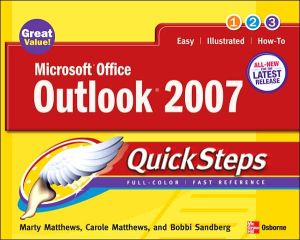
Microsoft Office Outlook 2007 QuickSteps
Author(s)
Matthews, Marty
Matthews, Marty
Step-by-Step, Full-Color Graphics!
Get started using Outlook 2007 right away—the QuickSteps way. Color screenshots and clear instructions show you how to use all the new and improved features. Follow along and learn to work with the new Office interface and ribbon; send, receive, and manage e-mail; enter contact information; schedule appointments; set up tasks; and use the Journal.
You'll also find out how to manage files and folders, secure your e-mail, and block junk mail and spam. Plus, you can flip straight to the information you need easily using the color-coded tabs. Get the book that gets you started using Outlook 2007 in no time.
In each chapter:
- Shortcuts for accomplishing common tasks
- Need-to-know facts in concise narrative
- Helpful reminders or alternate ways of doing things
- Bonus information related to the topic being covered
- Errors and pitfalls to avoid
Keywords
Microsoft Outlook
Microsoft Outlook
| Name in long format: | Microsoft Office Outlook 2007 QuickSteps |
|---|---|
| ISBN-10: | 0072263733 |
| ISBN-13: | 9780072263732 |
| Book pages: | 240 |
| Book language: | en |
| Edition: | 1 |
| Binding: | Paperback |
| Publisher: | McGraw-Hill Education |
| Dimensions: | Height: 9.9 Inches, Length: 7.9 Inches, Weight: 1.26104413864 Pounds, Width: 0.53 Inches |